Sovereign Play Pending Withdrawal: Why and What to Do Next
What 'Pending' Means and Typical Hold Periods
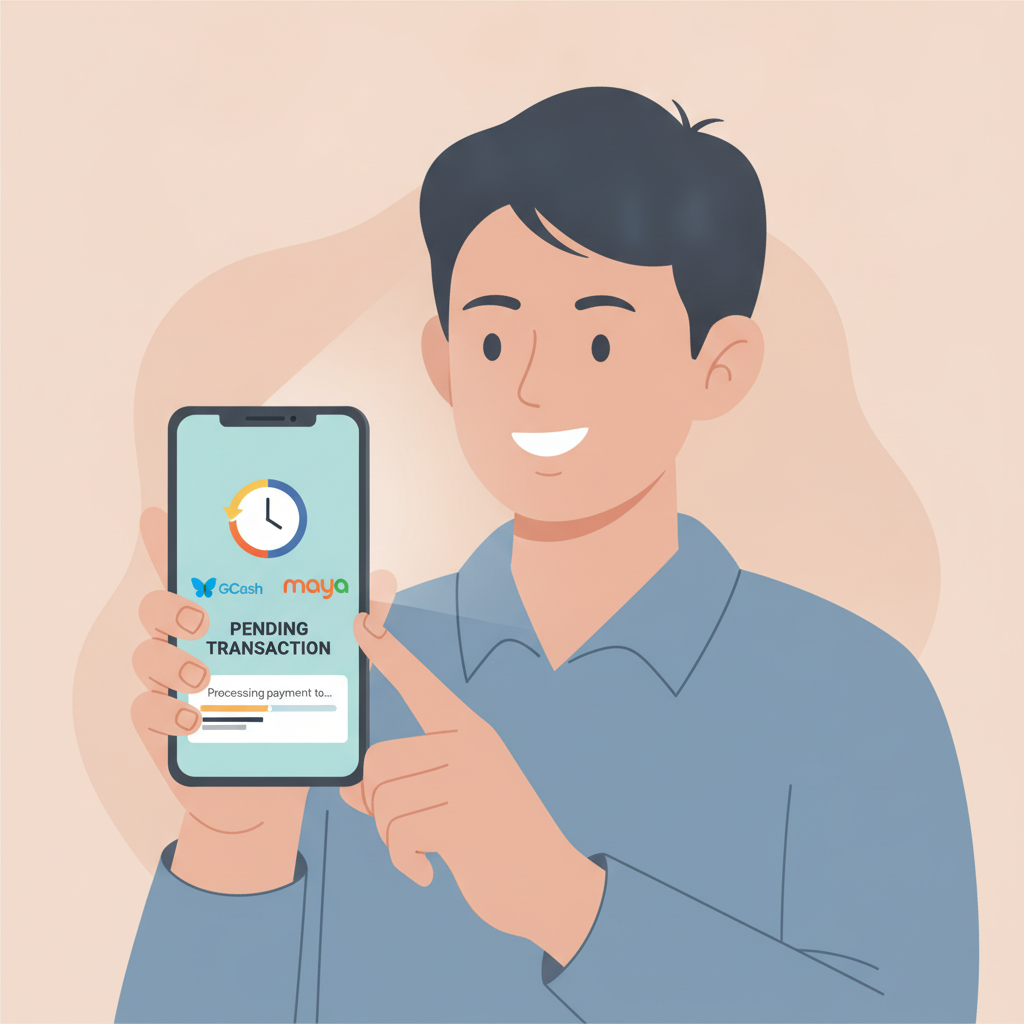
When you request a Sovereign Play withdrawal to GCash, Maya, or your bank account, the platform marks it as "pending" while the cashout moves through internal processing. This status is normal—it means the operator has received your request and is working through security, verification, and payment-channel steps before releasing funds.
For most Sovereign Play players in the Philippines, pending periods break down like this:
- GCash and Maya: 15 minutes to 24 hours for standard cashouts. During peak hours (evenings and weekends), GCash transfers may take longer due to e-wallet system load.
- InstaPay bank transfers: Up to 24 hours. InstaPay is designed for same-day clearing, but Sovereign Play's internal review can add a few hours.
- PESONet bank transfers: 1 to 3 business days. PESONet batches transactions overnight, so a withdrawal requested on Friday afternoon may not credit until Tuesday.
If your Sovereign Play withdrawal stays pending beyond these windows, something is likely holding it up—usually account verification, duplicate requests, or a payment-channel issue. The sections below explain what to check and when to reach out.
Account Verification Checks That Can Delay Your Cashout
Sovereign Play runs anti-fraud and compliance checks before approving withdrawals. Even if you deposited and played without issue, your first cashout—or a withdrawal larger than usual—can trigger a manual review.
ID and Proof-of-Address Verification
If you have not yet uploaded a valid government ID (driver's license, passport, or UMID) and a recent utility bill or bank statement showing your name and address, Sovereign Play will pause your withdrawal until you submit these documents. The platform typically emails a request for verification; check your inbox and spam folder.
To speed things up:
- Log in to your Sovereign Play account on the app or website.
- Navigate to Account or Profile, then look for a Verification or Documents section.
- Upload clear photos or scans—make sure all four corners of the ID are visible and text is readable.
- Wait for email confirmation. Verification usually completes within 24 to 48 hours on weekdays.
Payment-Method Ownership
Sovereign Play may ask you to prove that the GCash number, Maya account, or bank account you're withdrawing to is registered in your name. If the name on your casino account does not match the name on your e-wallet or bank, the cashout will be declined or held.
You can avoid this by ensuring your Sovereign Play profile name matches your GCash, Maya, or bank records exactly—including middle initials and suffixes.
Bonus Wagering and Terms
If you claimed a deposit match, free spins, or cashback offer, Sovereign Play requires you to meet wagering requirements before processing a withdrawal. A pending cashout may mean you have not yet turned over the bonus amount the required number of times, or you played restricted games (some slots and all live dealer tables may not count toward rollover).
Check the Bonus or Promotions tab in your account to see remaining wagering. Once you clear the playthrough, the withdrawal should move forward automatically or after a short review.
How to Check Withdrawal Status in the App or Site
Instead of waiting and wondering, you can track your Sovereign Play withdrawal status in real time.
Using the Sovereign Play Mobile App (Android or iOS)
- Open the Sovereign Play app and log in.
- Tap the Menu icon (three horizontal lines, usually top-left or bottom navigation).
- Select Wallet, Cashier, or Transactions.
- Look for Withdrawal History or Pending Transactions.
- Tap your pending cashout to see details: request time, amount, destination (GCash, Maya, or bank), and current status.
If the status reads "Pending," note the timestamp. If more than 24 hours have passed for GCash or Maya—or more than three business days for PESONet—and no email explanation has arrived, proceed to the contact steps below.
Using the Sovereign Play Website
- Log in at the Sovereign Play homepage.
- Click your username or account balance in the top-right corner.
- Select Transaction History or Cashier.
- Filter by Withdrawals to see all cashout requests and their statuses.
- Click the pending entry for a breakdown of hold reasons, if provided.
Some pending withdrawals display a reason code or note—common examples include "Verification Required," "Under Review," or "Awaiting Payment Processor." These hints can save you a support ticket.
When to Contact Sovereign Play Support About a Stuck Withdrawal
If your Sovereign Play cashout has been pending longer than the typical window and you see no verification email or status update, it's time to reach out.
Contact Sovereign Play Support
Sovereign Play offers customer service through live chat and email. Live chat is faster for urgent withdrawal questions.
Live Chat:
- Open the Sovereign Play app or website.
- Look for a chat bubble icon in the bottom-right corner or a Support link in the menu.
- Start a conversation and provide:
- Your registered username or account ID
- The withdrawal amount and date requested
- The destination (GCash number, Maya account, or bank name)
- A screenshot of the pending status, if possible
Email: Send a message to Sovereign Play's support address (usually listed in the site footer or FAQ). Include the same details as above. Expect a reply within 24 to 48 hours.
What to Ask
- "Why is my PHP [amount] withdrawal to [GCash/Maya/bank] still pending after [X hours/days]?"
- "Do you need additional verification documents from me?"
- "Is there a technical issue with [payment method] withdrawals today?"
Avoid submitting duplicate withdrawal requests while one is pending—this can flag your account for review and delay processing further.
Escalation and Records
If live chat cannot resolve the issue or gives conflicting information, ask to escalate to a supervisor or payments team. Keep screenshots of chat transcripts and email replies. If your withdrawal is eventually canceled or returned to your casino balance, request a written explanation and re-submit the cashout after addressing any verification or bonus issues.
When a Pending Withdrawal Is Actually Declined
Occasionally, Sovereign Play will move a withdrawal from "Pending" to "Declined" or "Cancelled." Common reasons include:
- Incomplete wagering: Bonus rollover not finished.
- Mismatched payment details: E-wallet or bank account name does not match your casino profile.
- Duplicate accounts: Sovereign Play detected more than one account under your name or device.
- Suspicious activity: Irregular betting patterns or use of VPNs.
If your cashout is declined, the funds typically return to your Sovereign Play balance. Check your email for an explanation, fix the issue (upload documents, complete wagering, correct account details), then request a new withdrawal.
Tips to Avoid Future Pending Delays
Once your current cashout clears, you can minimize holds on future Sovereign Play withdrawals:
- Complete verification early: Upload ID and proof of address as soon as you register, even before your first deposit.
- Use one payment method: Stick to the same GCash number, Maya account, or bank account for both deposits and withdrawals. Switching methods can trigger new checks.
- Clear bonuses before cashing out: If you claim a promo, finish the wagering requirement before requesting a withdrawal.
- Withdraw during business hours: Requests submitted on weekday mornings (Monday–Friday, 9 a.m.–5 p.m. Philippine time) often process faster than late-night or weekend cashouts.
- Keep records: Save confirmation emails and transaction IDs. If a withdrawal goes missing, you'll have proof of the request.
Responsible Gambling Reminder
Sovereign Play is for players 21 years and older only. If waiting for a pending withdrawal is causing stress, or if you feel the urge to cancel a cashout and keep playing, consider setting deposit limits or taking a break. Gambling should be entertainment, not a source of anxiety or financial pressure. For confidential support, reach out to the National Council on Problem Gambling or use Sovereign Play's self-exclusion and cool-off tools in your account settings.
This guide is an independent resource. Sovereign Play is a separate platform; for account-specific help, contact their support team directly.