How to Withdraw from Sovereign Play to GCash: Step-by-Step
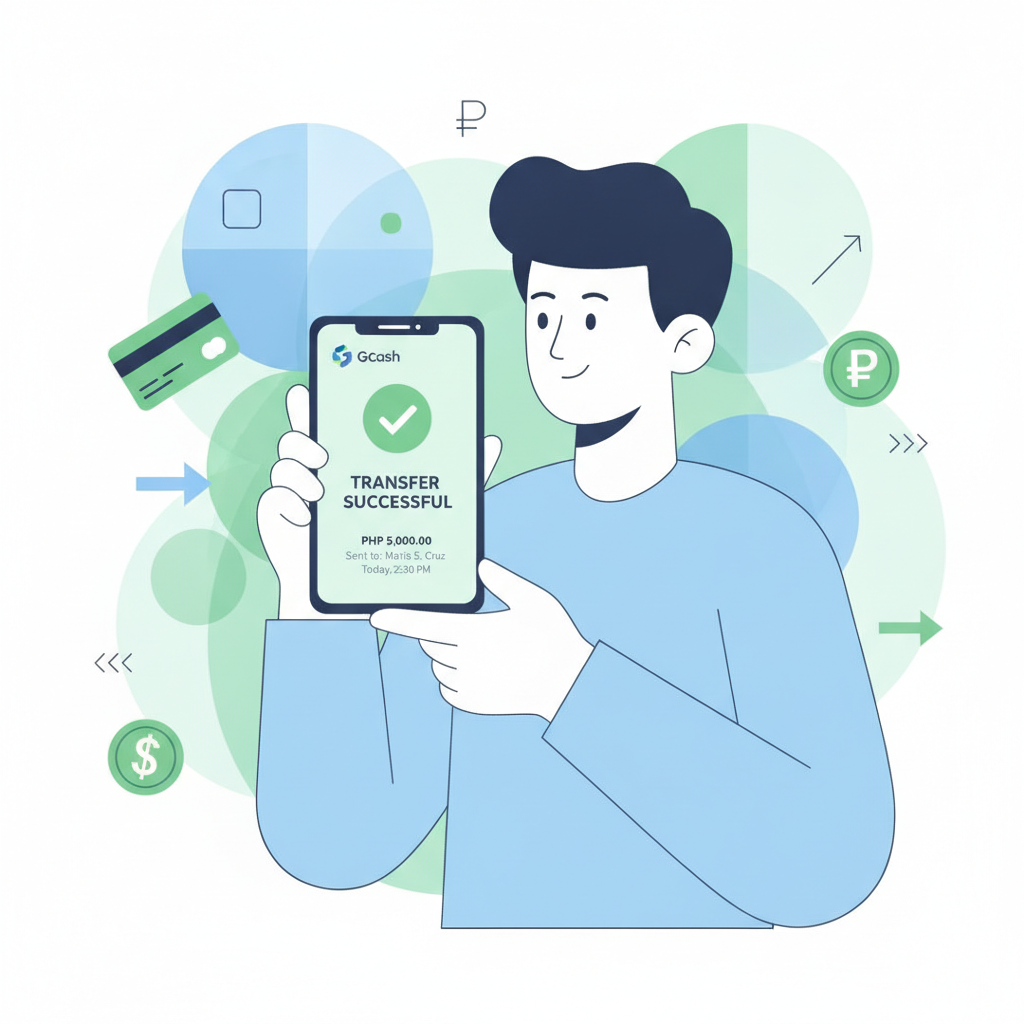
Cashing out your winnings from Sovereign Play to GCash is one of the fastest ways to get your money in the Philippines. This guide walks you through the entire withdrawal process, from checking if your account is ready to troubleshooting failed transactions.
This content is for players aged 21 and over only. If you find yourself betting more than you can afford, use Sovereign Play's self-exclusion tools or contact PAGCOR's National Problem Gambling Helpline.
Requirements Before You Can Cash Out
Before Sovereign Play processes any GCash withdrawal, your account must meet these conditions:
Account verification
Your Sovereign Play account needs to be fully verified. This typically means you've uploaded a valid government ID (driver's license, passport, or UMID) and proof of address (utility bill or bank statement dated within the last three months). If verification is incomplete, the cashout button may be greyed out, or you'll see an error message asking you to finish KYC.
Minimum withdrawal amount
Sovereign Play sets a minimum cashout threshold—usually PHP 100 or PHP 200, depending on current policy. Trying to withdraw less will trigger an error or the withdrawal form won't accept the amount.
Wagering turnover
If you claimed a deposit bonus, Sovereign Play requires you to meet the rollover requirement before withdrawing. For example, a 3× turnover on a PHP 500 deposit means you must place PHP 1,500 worth of bets. Check your account dashboard or the "Bonus" section to see your remaining rollover.
Matching GCash account name
Sovereign Play verifies that the name on your verified ID matches the GCash account holder name. Mismatches may cause the platform to reject the withdrawal request or delay processing while support investigates.
Step-by-Step: Requesting a GCash Withdrawal from Your Sovereign Play Account
Once your account meets the requirements above, follow these steps on the Sovereign Play mobile app or mobile website:
1. Log in and open the cashier
Tap the menu icon (usually three horizontal lines or a profile avatar) and select "Cashier," "Withdraw," or "My Wallet," depending on the app version.
2. Select GCash as your withdrawal method
You'll see a list of e-wallet and bank-transfer options. Tap GCash. If GCash doesn't appear, check that you previously made at least one GCash deposit; some operators only display cashout methods you've used to deposit.
3. Enter your GCash mobile number
Type the 11-digit number registered to your GCash account, starting with 09. Double-check every digit—entering the wrong number is the most common reason for failed GCash withdrawals.
4. Enter the withdrawal amount
Input the amount you want to cash out in PHP. The form will show your current balance and the minimum/maximum limits. Make sure the amount is within those bounds.
5. Review and confirm
A summary screen displays your GCash number, the amount, and any fees. Tap "Confirm" or "Submit Withdrawal." You may need to enter your Sovereign Play account password or a one-time PIN sent to your registered mobile number.
6. Wait for confirmation
Sovereign Play will send an on-screen message and often an SMS or in-app notification confirming that your request is being processed. Keep that reference number if provided—it helps if you need to contact support later.
Fees, Limits and Processing Time for GCash Cashouts
Fees
Sovereign Play typically does not charge a fee for GCash withdrawals, but always check the confirmation screen before you finalize. GCash itself does not charge a fee to receive money into your wallet. If you do see a deduction, it's usually a processing fee set by the casino—common amounts are PHP 0 to PHP 15.
Withdrawal limits
- Minimum: PHP 100 or PHP 200 per transaction (check the cashier page for the current figure).
- Maximum per transaction: Often PHP 50,000 to PHP 100,000, though this can vary by player VIP tier.
- Daily/weekly caps: Sovereign Play may impose a rolling 24-hour or 7-day limit. If you hit the cap, you'll need to wait until the period resets or request multiple smaller withdrawals over several days.
Processing time
GCash cashouts are usually approved and sent within 15 minutes to 2 hours during business hours. In practice, many players see the money land in their GCash wallet in under 30 minutes. Requests submitted late at night or on weekends can take up to 24 hours if they require manual review. First-time withdrawals or unusually large amounts may be flagged for additional security checks, adding a few hours.
Troubleshooting: Wrong GCash Number, Failed Transactions, or 'Invalid Recipient' Errors
Wrong GCash number entered
If you realize you typed the wrong mobile number after confirming, contact Sovereign Play support immediately through live chat or the in-app help desk. Include your withdrawal reference number. If the funds were already sent to an incorrect GCash account, recovery is difficult—GCash cannot reverse a completed transaction. Sovereign Play support may attempt to contact the recipient, but there's no guarantee of success.
"Invalid recipient" or "Transaction failed" error
This message usually means:
- The GCash number you entered is not registered or is inactive. Verify the number in your GCash app (tap your profile to see your registered mobile number).
- The name on your Sovereign Play account doesn't match the GCash account holder. Upload a clearer copy of your ID or contact support to update your registered name.
- Your GCash wallet has reached its monthly incoming limit (PHP 100,000 for basic, PHP 500,000 for fully verified). Check your GCash transaction history and upgrade your wallet verification level if needed.
Pending status for more than 24 hours
Log in to your Sovereign Play account and check the "Transaction History" or "Withdrawal History" section. If the status still shows "Pending" or "Processing" after 24 hours:
- Take a screenshot of the transaction details (reference number, amount, date, status).
- Open live chat or send an email to Sovereign Play support with the screenshot and your registered mobile number.
- Avoid submitting duplicate requests while the first is pending—this can confuse the payment queue and delay both.
Support may ask for additional verification documents or confirm that the payment processor is experiencing delays. In rare cases, a withdrawal is flagged by the anti-fraud system and requires manual approval from the finance team.
"Insufficient balance" error despite having funds
This can happen if part of your balance is locked in an active bonus. Navigate to "My Bonuses" or "Active Promotions" and check if funds are tied to a wagering requirement. You can either complete the rollover or forfeit the bonus to unlock the full balance for withdrawal.
GCash wallet not receiving the money
If Sovereign Play's transaction history shows "Completed" or "Success" but your GCash balance hasn't updated:
- Refresh your GCash app: Pull down on the home screen to reload the balance.
- Check transaction history in GCash: Tap "Show More" under recent transactions; incoming credits sometimes appear there before the main balance updates.
- Wait an additional hour: Interbank and e-wallet transfers can have minor delays even after the operator marks them complete.
- Contact GCash support: If the money still doesn't appear after two hours, reach out to GCash customer service (dial *143# from your Globe number or use the GCash app chat). Provide the transaction reference number from Sovereign Play.
Responsible Gambling Reminder (21+ Only)
Sovereign Play is intended for players aged 21 and older. Withdrawing your winnings is straightforward when you follow the steps above, but remember that gambling should remain a form of entertainment, not a way to solve financial problems.
Set a budget before you play, and never chase losses by re-depositing funds you've just cashed out. If you feel you're losing control, use Sovereign Play's deposit limits, session timers, or self-exclusion features. You can also reach out to responsible-gambling organizations in the Philippines for confidential support.
Always verify that the GCash mobile number and account name you provide match your verified Sovereign Play details. Double-checking these details takes only a few seconds and can save hours of troubleshooting later.
Quick recap: Ensure your Sovereign Play account is verified, enter your correct GCash number, respect minimum and maximum limits, and expect your money within a few hours. If something goes wrong, check your transaction history, verify your GCash wallet status, and contact support with screenshots and reference numbers. With these steps, cashing out to GCash is one of the fastest and most convenient ways to access your winnings in the Philippines.